Playbook · Reporting · 20 min
Report influencer ROI to leadership in one tab
The person who presents the influencer line in the quarterly review.
Leadership wants five numbers: spend, reach (views), cost per view against your paid-media benchmark, cost per engagement, and revenue or pipeline from attributable codes with the resulting ROAS. All five come from a Deliverables tab that Zaver refreshes plus a promo-code column you fill. Add one sentence of context per creator tier and one recommendation. Keep the method visible in a footnote: public post metrics refreshed daily, revenue by code. Confidence comes from showing the plumbing.
You need
- A measured campaign (see the measurement playbook)
- Your paid-media cost-per-view benchmark for comparison
Step by step in Zaver
- 1
Build the Report tab
Spend, Views, Cost per view, Cost per engagement, Code revenue, ROAS as SUM and ratio formulas over Deliverables.
- 2
Benchmark the cost per view
Put your paid social cost per view next to it. Influencer views that cost less than paid views is the sentence that lands.
- 3
Split by tier
Nano and micro versus mid and macro on cost per engagement. The split usually argues for more small creators.
- 4
Name the top and bottom creator
Best cost per engagement and worst, with one line each. Decisions follow from names, not averages.
- 5
Write the footnote
Post metrics are public and refreshed daily by Zaver; revenue is attributed by promo code. A Shopify integration for revenue attribution is coming soon.
Or ask it in ChatGPT or Claude
With Zaver connected as an MCP server, the whole job is one message. Your assistant calls run_data_tool behind the scenes.
from my Deliverables tab give me total spend, total views, cost per view, cost per engagement and revenue from the Code column, split by creator tier, with the best and worst creatorThe refresh is the tool call; the maths is the assistant's.
Not connected yet? Set it up in about a minute.
Where it is in Google Sheets
The menu path, step by step. Labels match the Zaver.one add-on.
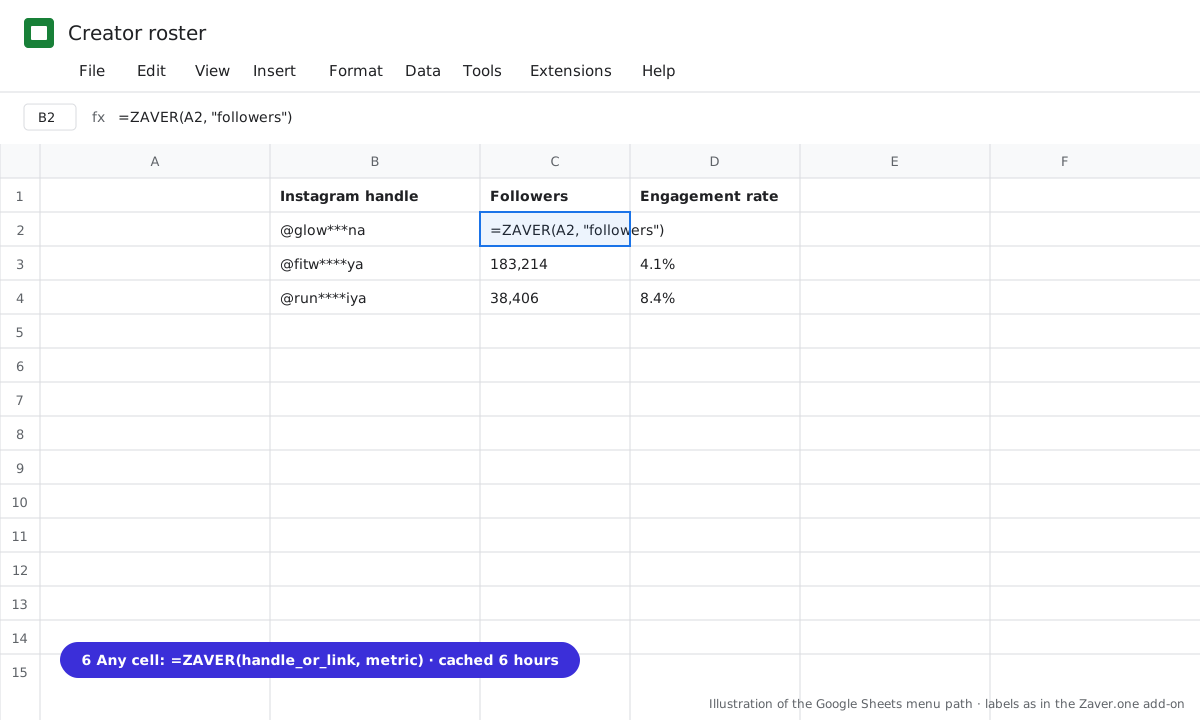
1 Any cell: =ZAVER(handle or link, metric). 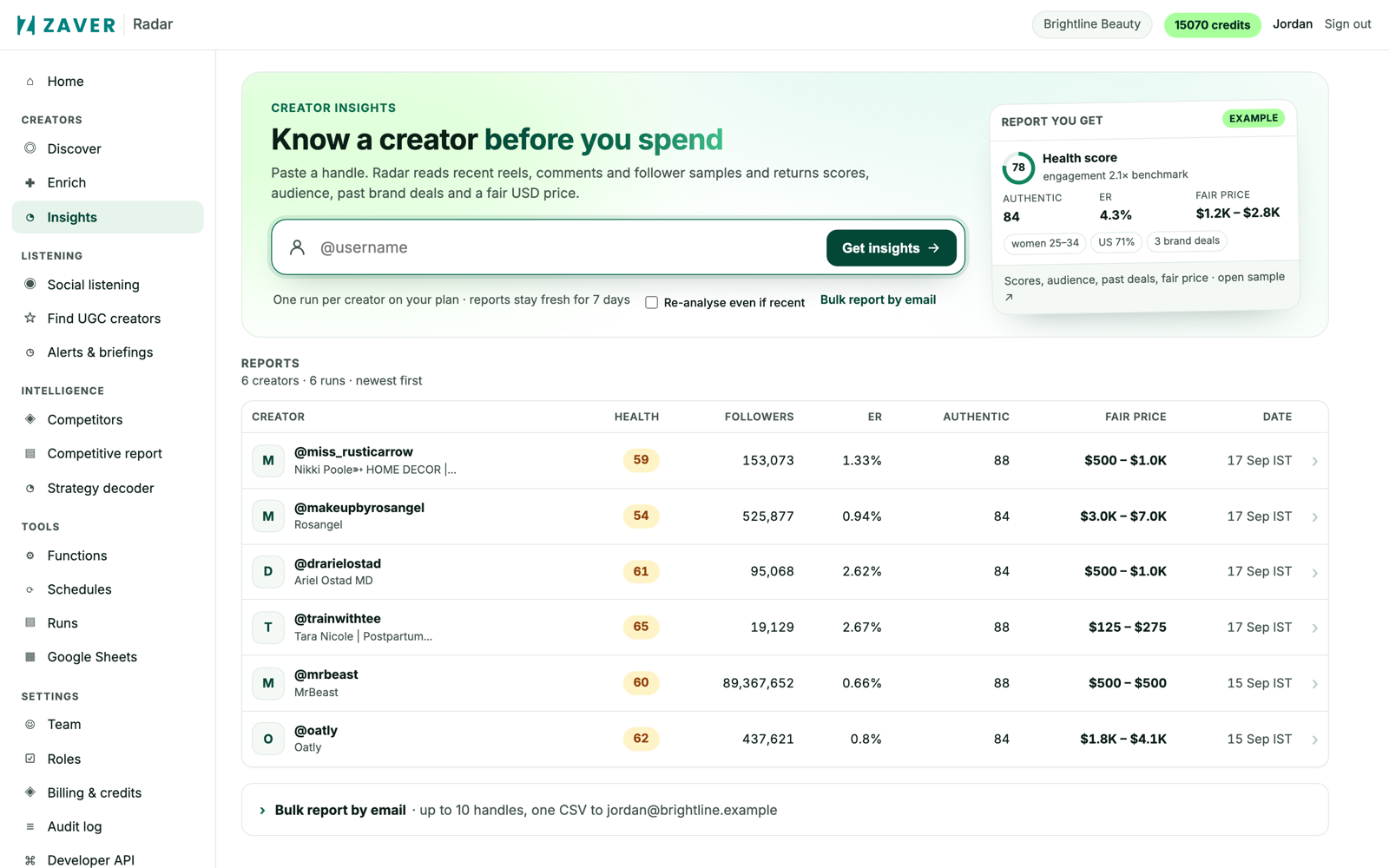
2 Radar → Insights: one row per report with health, engagement rate, authenticity and the fair price.
What you get
Input: Q3 campaign · 12 creators
| Number | Value | Source |
|---|---|---|
| Spend | $9,800 | your column |
| Views | 1.21M | refreshed post metrics |
| Cost per view | $0.008 (paid social: $0.014) | formula |
| Cost per engagement | $0.14 | formula |
| Code revenue · ROAS | $21,300 · 2.2× | promo codes |
Illustrative sample. Handles are masked; numbers show the shape of a real result, not a specific account.
Cost
Post refresh 0.15 credits per post per day. No extra cost for the report itself.
Limits
- Revenue attribution today uses your own promo codes or UTM links per creator, pasted into the sheet. A Shopify integration for revenue attribution is coming soon; nothing on this page depends on it.
- Views are as the platform exposes them
Questions
What if we have no promo codes?
Report reach, cost per view and cost per engagement against paid benchmarks, and add codes next campaign. It is still a stronger report than screenshots.
Related playbooks
Measure an influencer campaign without a platformCompare creators after the campaign to pick the next shortlistCut influencer costs without cutting reachCreator trackingAll playbooks