How-to · 2 min
How to share a shortlist for client sign-off
Skip the deck of screenshots. Publish a shortlist as a link, and your client reviews it and picks their creators without an account.
- Step 1
Publish the link
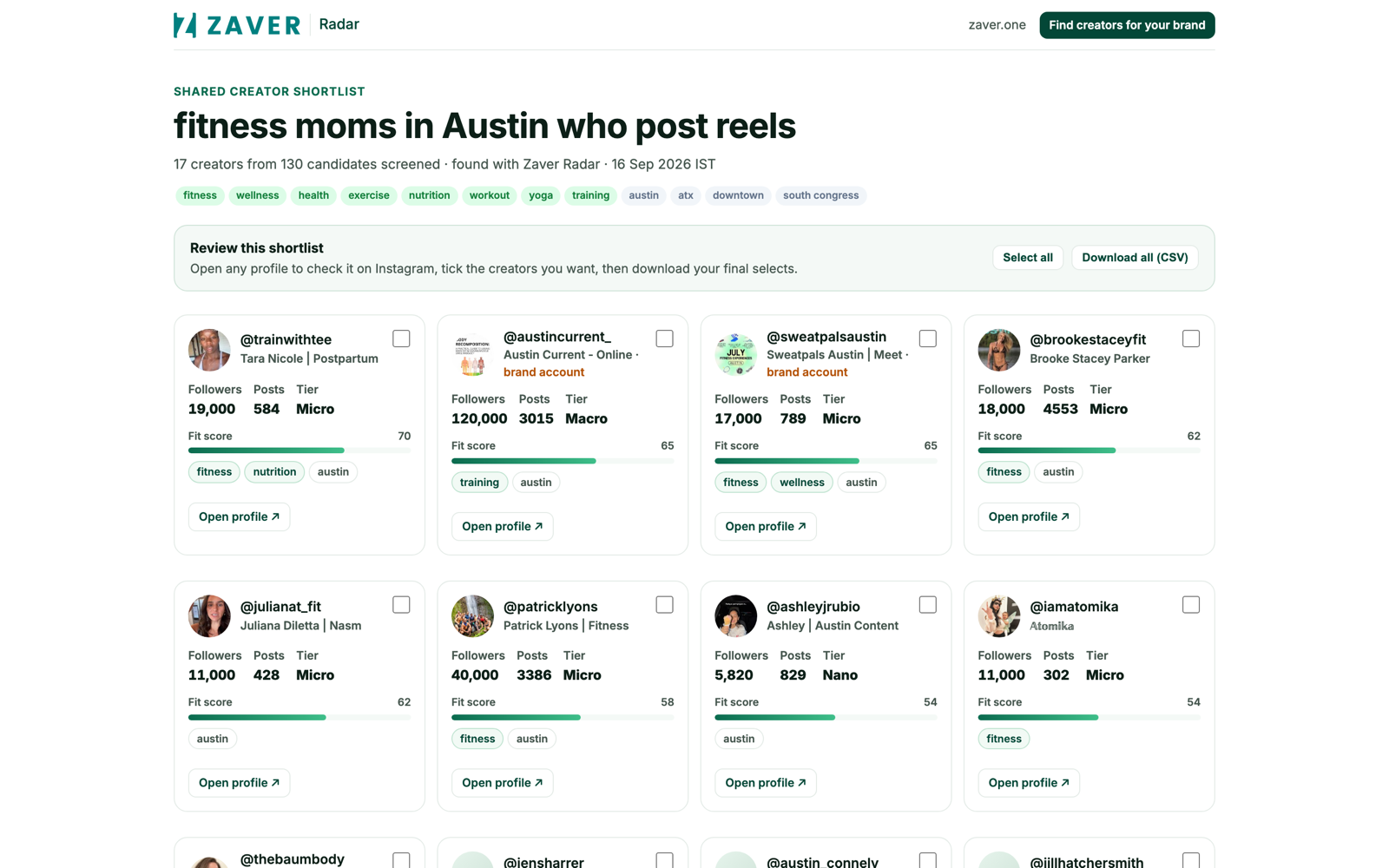
On any finished shortlist, choose Share publicly and copy the link (radar.zaver.one/s/…). The query becomes the page title.

- Step 2
Your client opens it
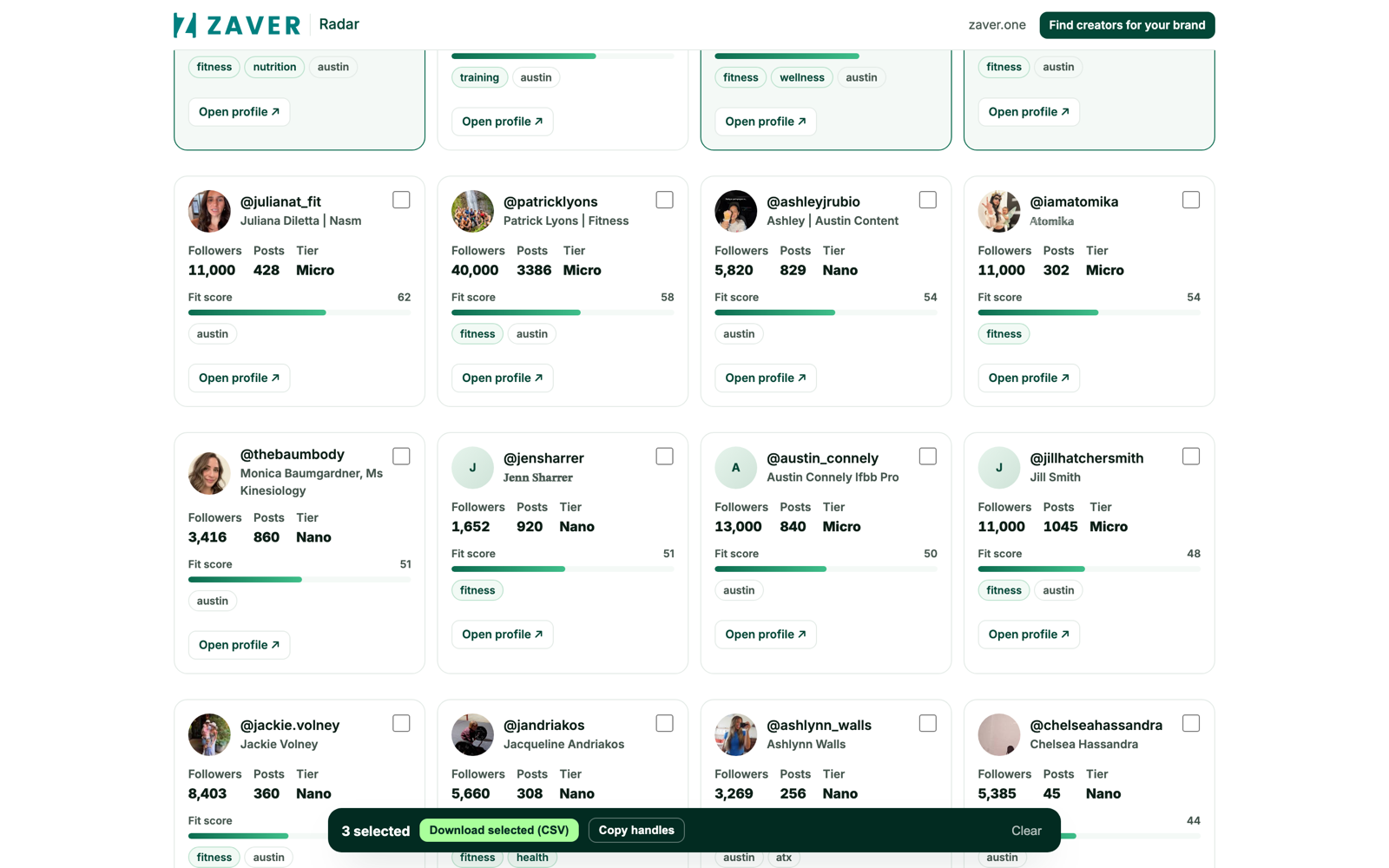
They see each creator’s real profile on a clean public page - no login, nothing to install.
- Step 3
They pick and export
Reviewers tick the creators they want and download a CSV. The picks come back to you, so it’s a shared decision.