How-to · 2 min
How to use Zaver Radar on your phone
Radar is fully usable on a phone. Here’s the mobile layout, the menu, and a search on the go.
- Step 1
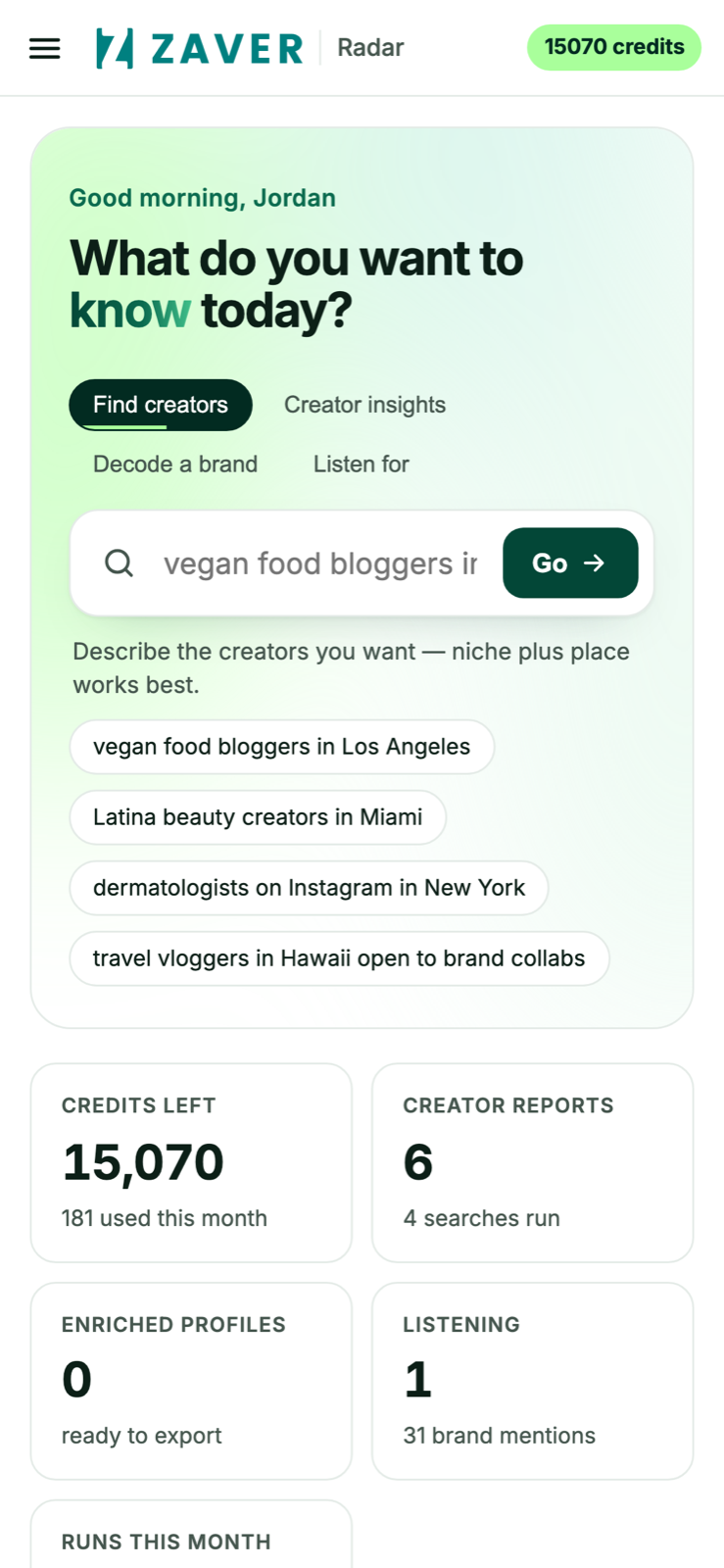
Open the app
The home screen puts the command bar and your stats within thumb reach.
- Step 2
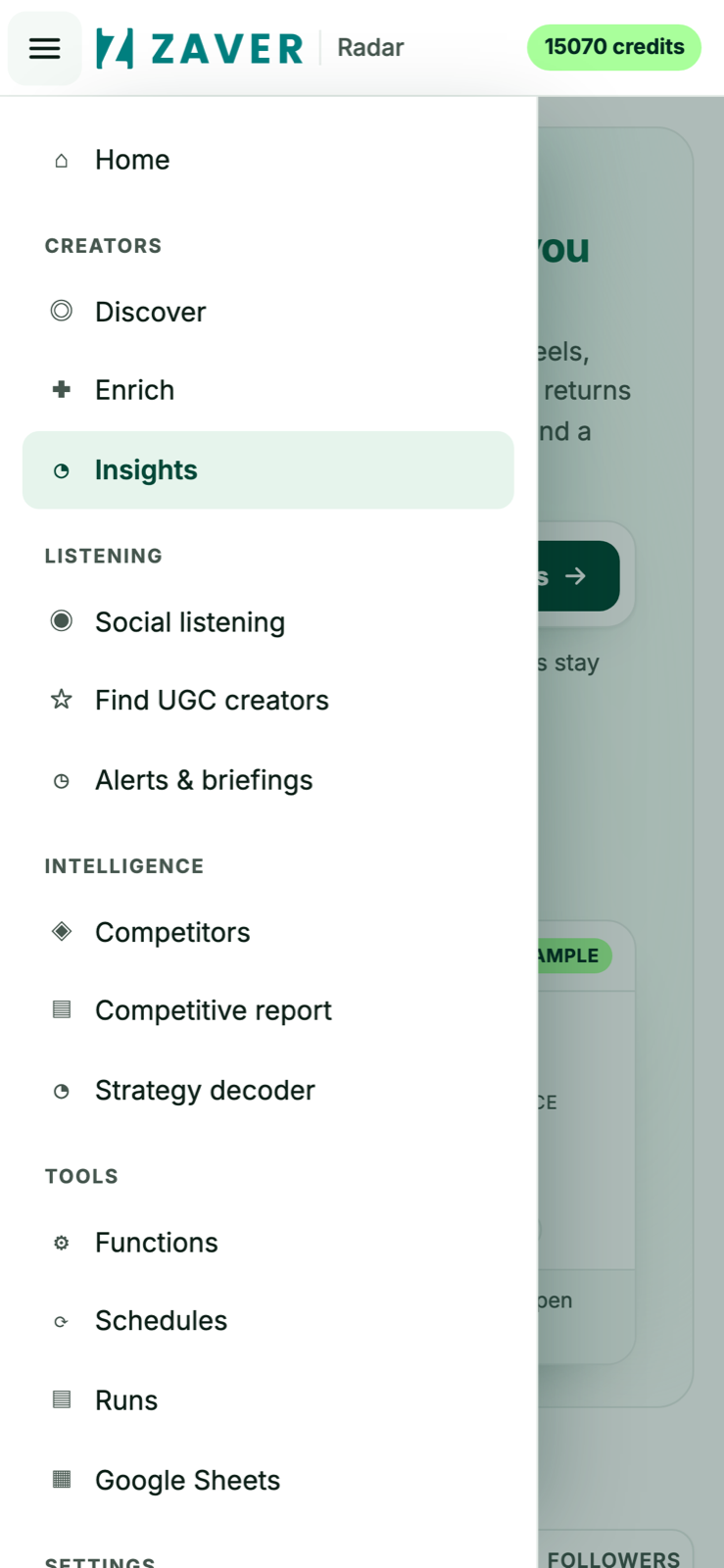
Jump anywhere
The slide-in menu reaches every feature - discovery, insights, listening, tools.
- Step 3
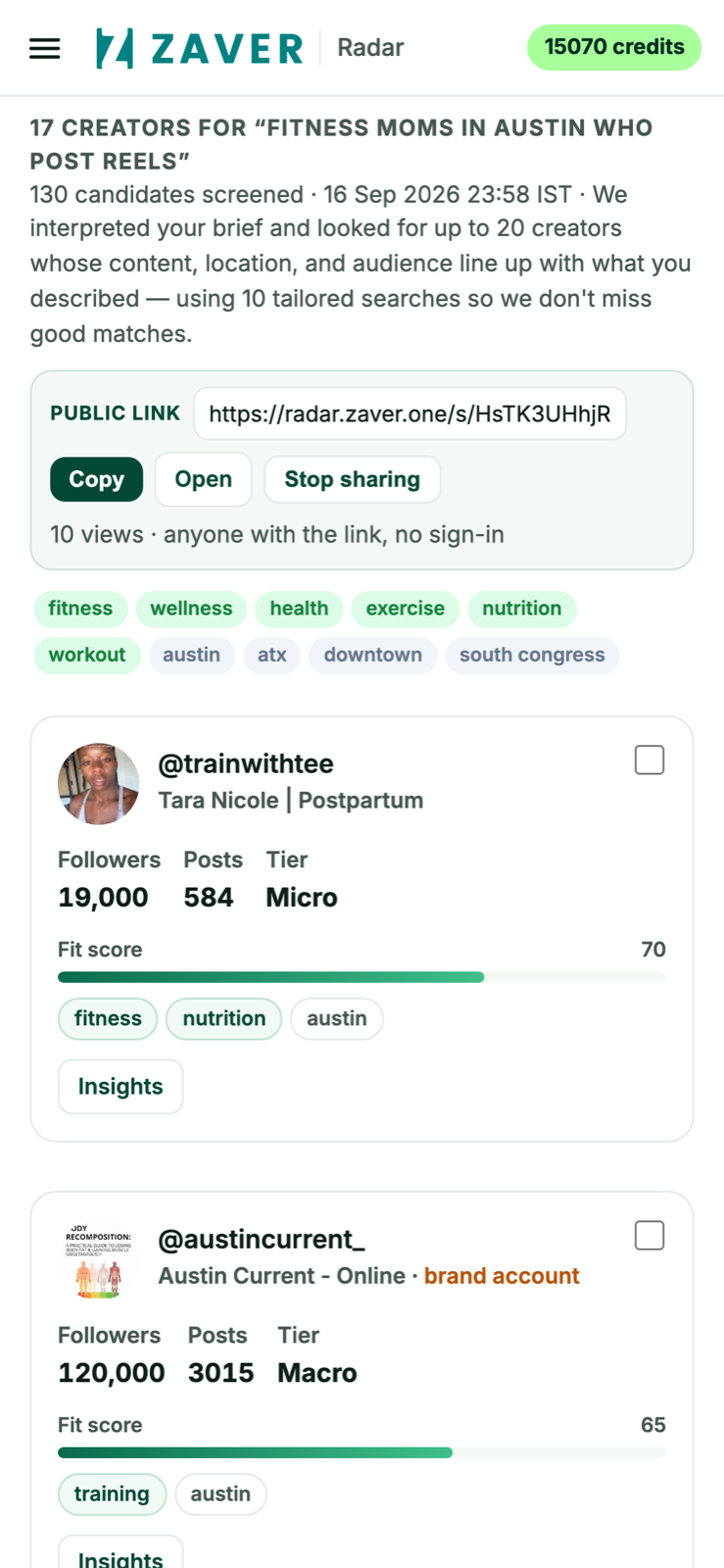
Search on the go
Run a plain-English search and read ranked results from your phone.