How-to · 3 min
How to pull creator data as a spreadsheet
Sometimes you want the rows, not a dashboard. Pick a recipe and Radar hands you a spreadsheet.
- Step 1
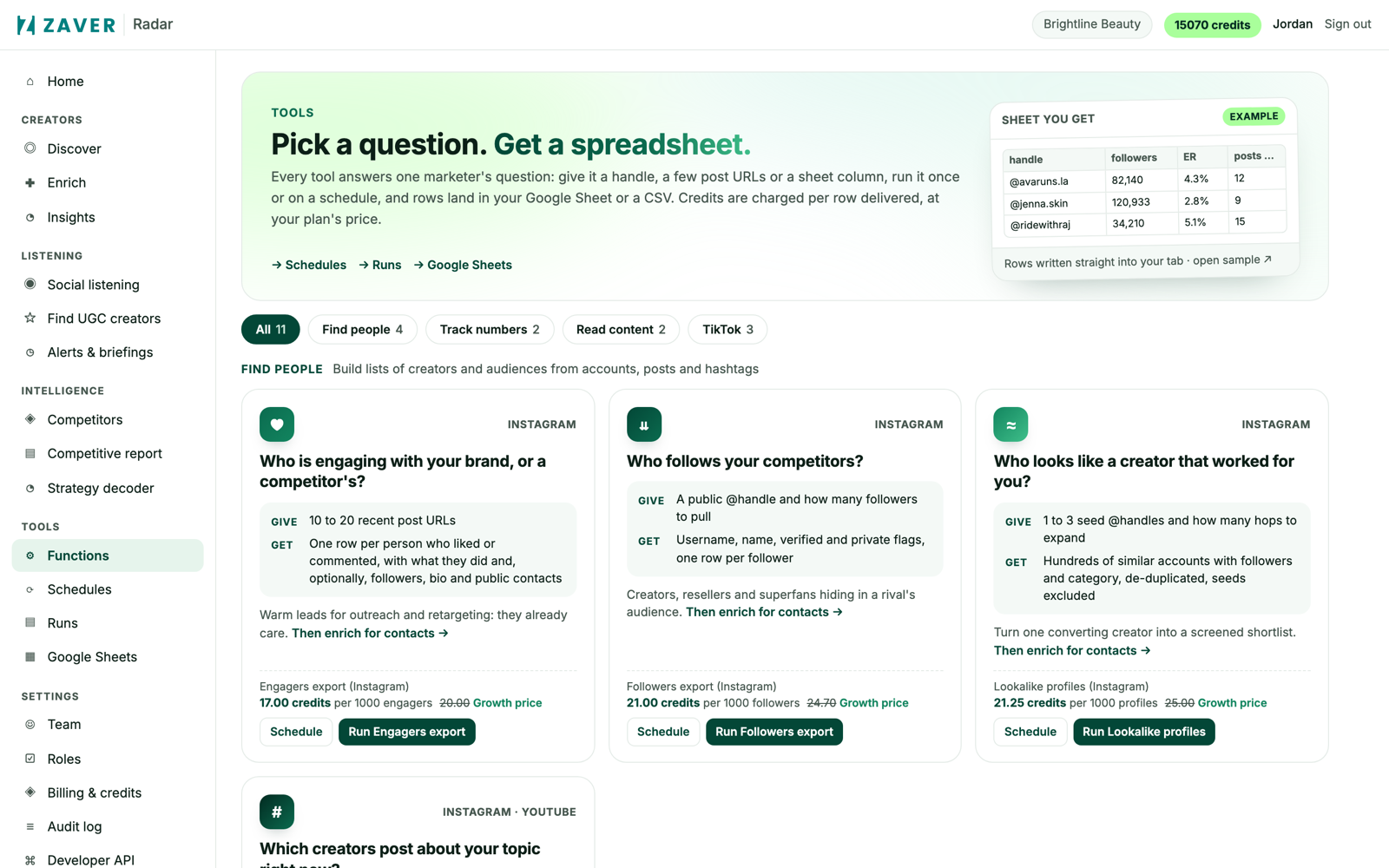
Pick a recipe
Choose from engagers, followers, lookalikes, hashtag crawl, comments, transcripts and the TikTok tools - each card shows what you give and get, and the credit price.
- Step 2
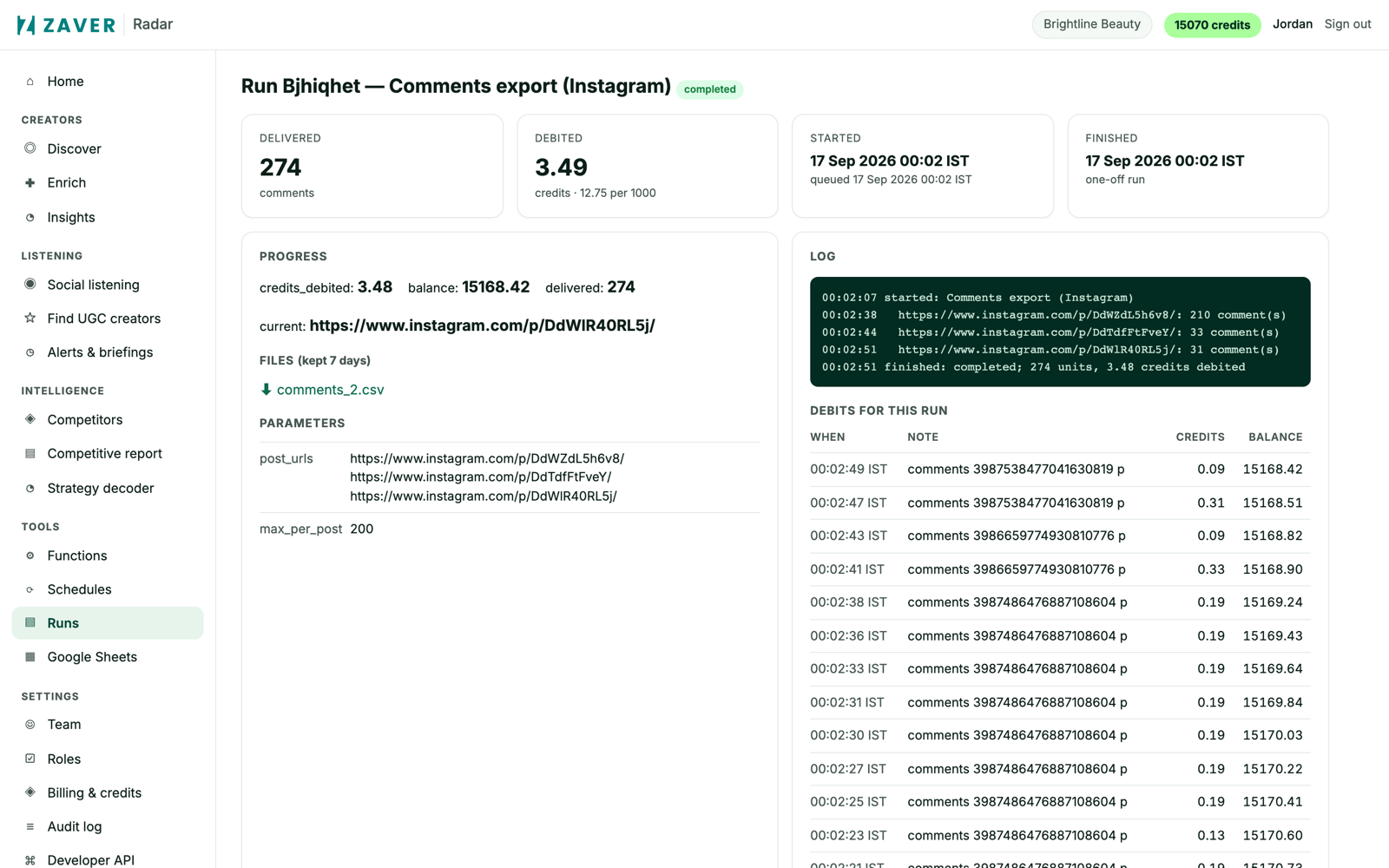
Get the CSV
Radar runs the job, shows a live log and the exact credit cost, and hands you a CSV - or writes into a Google Sheet on a schedule.